




Rodeoslot App
If you prefer to skip the web browser and want fast access to online slots along with casino bonuses, you can check out our Rodeoslot app. Available for Android and iOS devices, it lets you sign in and handle payments right from your phone. Installation happens almost instantly to give you unique mobile casino features like notifications and a biometric lock.



Rodeoslot on Mobile
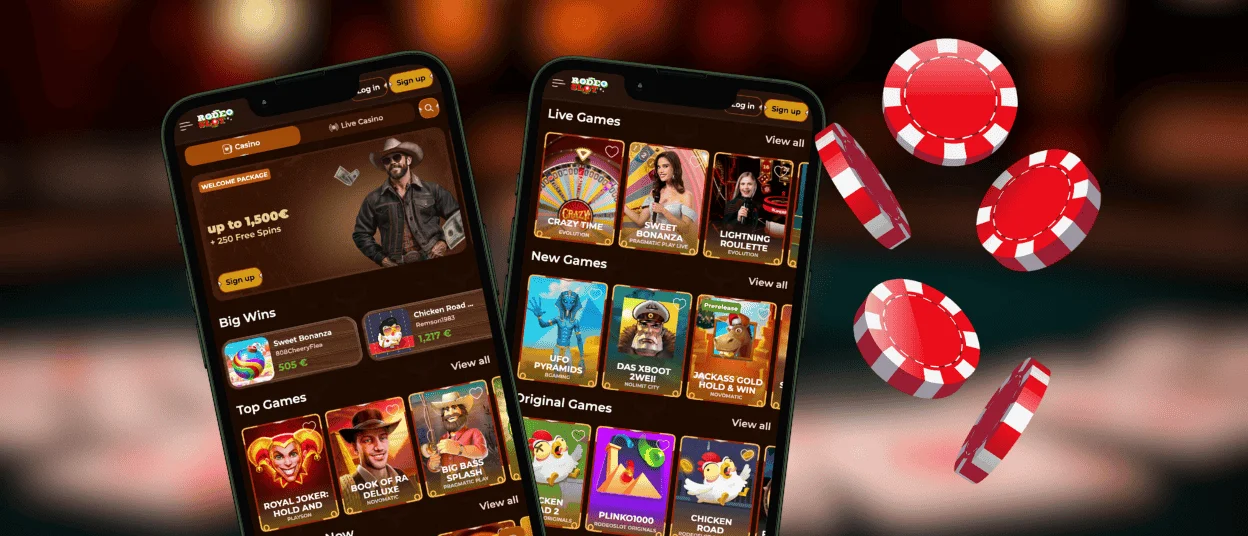
You can easily place our app in any folder on your phone next to your other programs. After that, it’s possible to access Rodeoslot Casino even when you are away from home. We built the software in a PWA format so it does not take up much space. This setup also lets you clear the cache regularly to free up memory.
Our mobile platform works well for regular short sessions. The software does not ask for special permissions. You just need an internet connection, and you can allow access to notifications to get alerts. Here is how using the app differs from the PC site:
| Player action | Rodeo Slot app | PC website |
| Finding a game | Tap through categories and use search filters to load titles fast. | View the full grid. |
| Gaming experience | Hold your phone in portrait mode to play with one hand. | See full background graphics and symbols in detail. |
| Managing payments | Confirm deposits quickly with mobile wallets. | Fill out cashier forms with a physical keyboard. |
| Getting alerts | Receive direct push notifications for new offers. | Check the promo tab manually between rounds or get alerts to your PC notification center. |
Screen Size Optimization
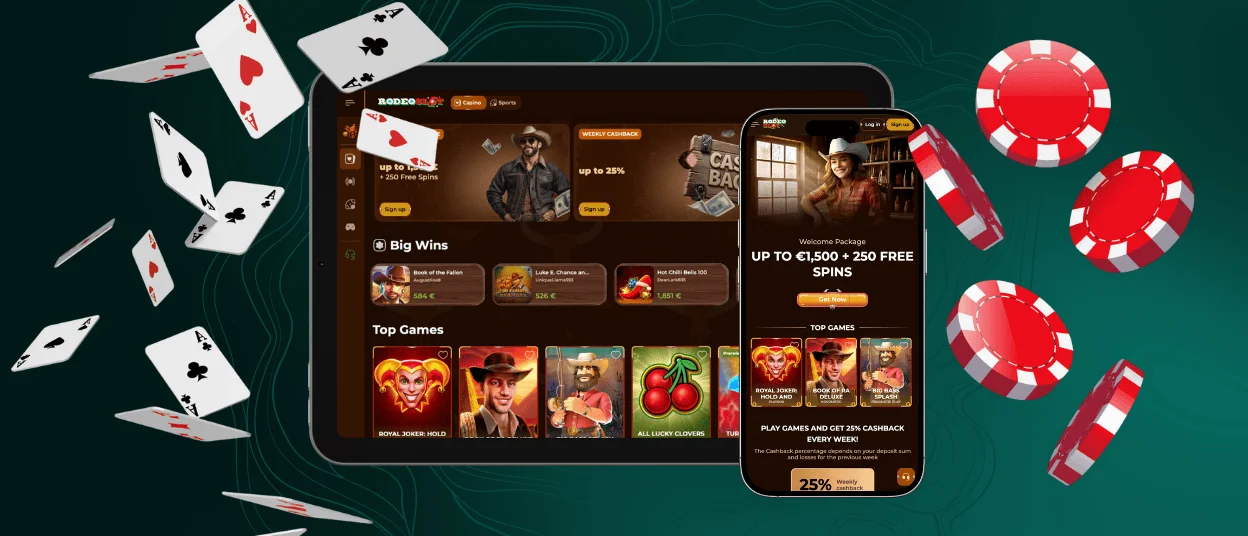
The Rodeoslot app automatically adjusts to your display size. Because of this, the side menus and main tabs sit comfortably on a tablet screen or a small smartphone. We enlarged the tab icons and betting buttons to fit your thumb. You will not have to squint or worry about tapping the wrong bet by mistake. Also, Rodeoslot app players can switch from portrait to landscape mode to match different games.
How to Use Rodeoslot on Android
Any Android user can use our casino on a Samsung, Google Pixel or any other device. You do not have to look for a Rodeoslot APK file to download. Simply visit our website on your phone and tap the “Add to Home Screen” option. The app will appear on your screen immediately. It does not need the newest OS version to run. Just make sure to update your browser.
Our Android users will find it especially convenient to play new mobile slots like Le Digger from Hacksaw Gaming. When you hold the phone in portrait mode, the playing field sits in the center of the display. The spin and bet buttons stay right within your thumb’s reach. You can tap once to open the settings menu. The mobile layout also keeps all the visual effects, such as the dynamite explosions and multiplier animations.
Rodeoslot on iOS Devices
If you own an iPhone or an iPad and play casino games regularly, using the browser might not seem like the most comfortable choice anymore. To avoid keeping the platform open next to other tabs in Safari, you can try the Rodeo Slot Casino app. It can be added to your home screen from our official website. Just tap the Share button to install it.
After that, you get fast access to online slots and your wallet directly on your iOS gadget. Our live chat widget is also available on the mobile platform, so you can contact our support team when a question pops up. Long sessions of live roulette or poker run well on Apple devices too, but remember to keep an eye on your battery life.
Rodeo Slot on Desktop
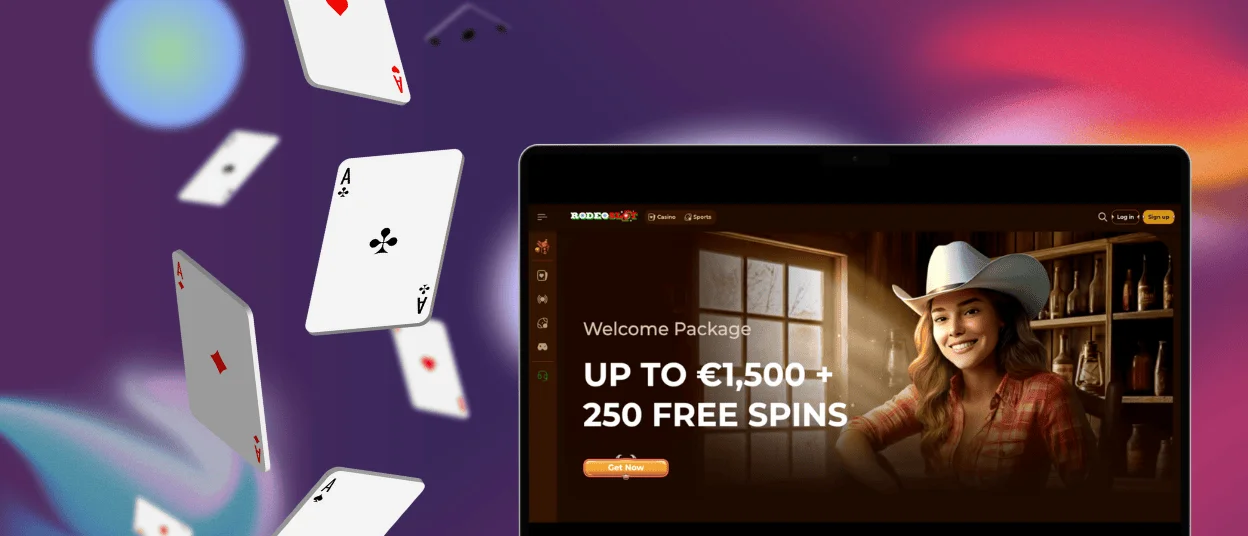
Our PC users can open Rodeoslot Casino easily through any modern browser. A large monitor is usually the most comfortable choice for long sessions in live games like Infinite Blackjack or Lightning Roulette. You get to see the dealer and the studio in full detail. You also avoid draining your device battery with a heavy video stream.
When you play slots, you are not limited to mouse clicks. Many games, such as Coin Strike: Hold and Win by Playson, let you use keyboard shortcuts. You can just hold down the spacebar or hit the Enter key to make several spins in a matter of seconds.
If you want to run the platform in its own window, you can install Rodeo Slot Casino on your desktop. To do this, simply click the screen icon with an arrow in your address bar while you are on our site.
Rodeoslot PWA Security
When you rely on our app, you maintain all the security benefits present on our main website.
- Your payments through mobile wallets and bank cards are encrypted and protected by the TLS 1.3 protocol.
- You never have to download files or grab updates from outside sources, so you will not pick up a virus.
- You can complete the verification process from your phone. Any files you upload are secured with 256-bit encryption to stay safe on our servers.
You can also take extra steps to safeguard the app on your phone. It is easy to hide the icon inside a password-protected folder or turn on two-factor authentication.
Rodeoslot Push Notifications
We send our users push notifications about weekly bonuses and remind them about our active tournaments with valuable prizes. When you use the Rodeo Slot app, you can set these alerts to appear on your lock screen:
- Android: Go to your device settings, open the apps menu, find Rodeoslot Casino, and turn on the notifications toggle.
- iOS: Open the main settings, tap on Notifications, scroll down to our app, and switch the toggle to allow alerts.
You can also get these alerts on our desktop site. The first time you log in, Rodeoslot Casino will ask if you want to turn them on. If you agree, we will send updates about our new features straight to your PC screen.
FAQ
Can I claim bonuses through the Rodeoslot mobile app?
All our promotions are available on the app. You can get the welcome offer of up to €2,500 and 250 free spins to start. After that, we offer you regular reload and cashback campaigns.
Can I enable auto-login on the Rodeoslot Casino mobile site?
If you log in to Rodeoslot Casino through your mobile browser, you will go straight to your profile the next time you open the site. You do not need to enter your details again. You only have to repeat the login if you clear your browser cache.
What are the minimum device requirements for the Rodeoslot app?
The PWA solution does not have fixed hardware requirements. The app works well on both old and new smartphones. The main thing is to keep the browser you used to install the PWA updated.


